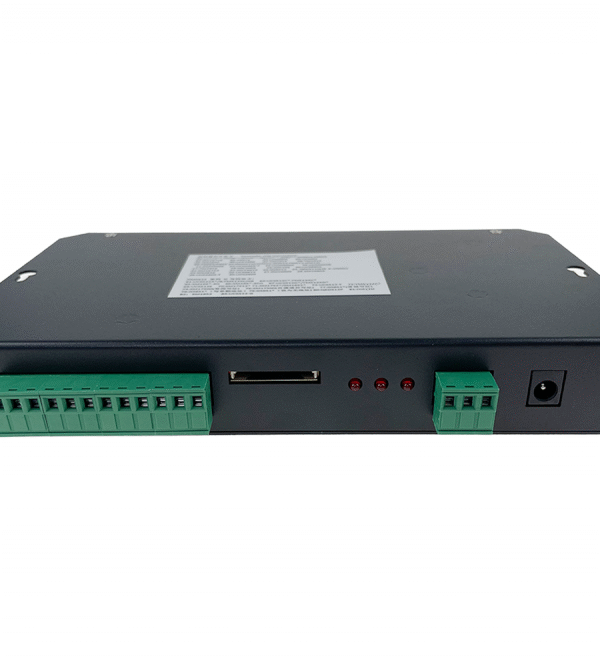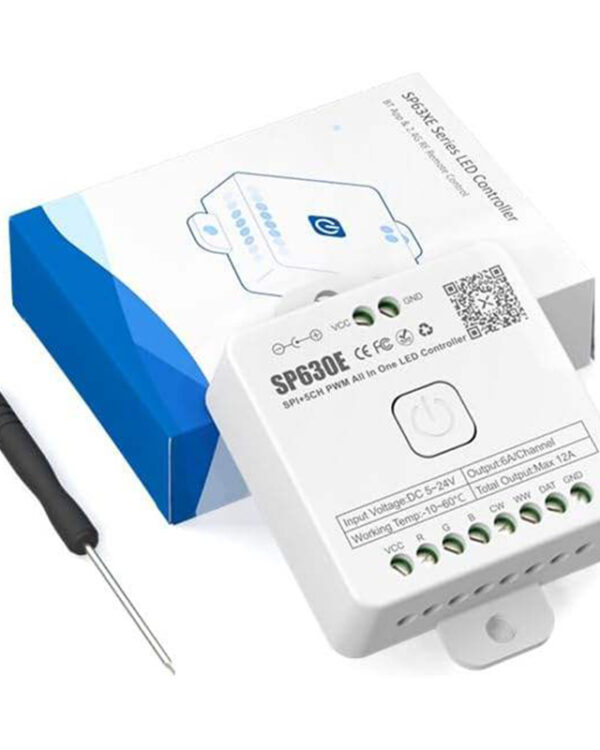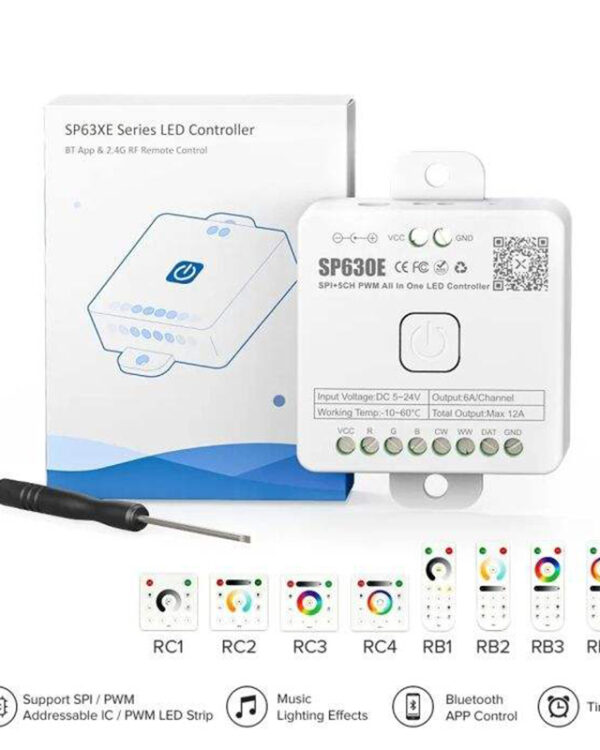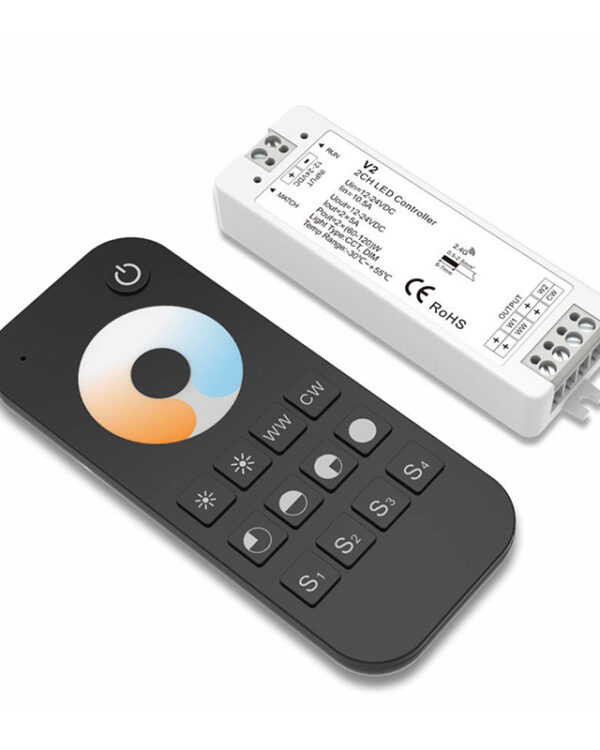

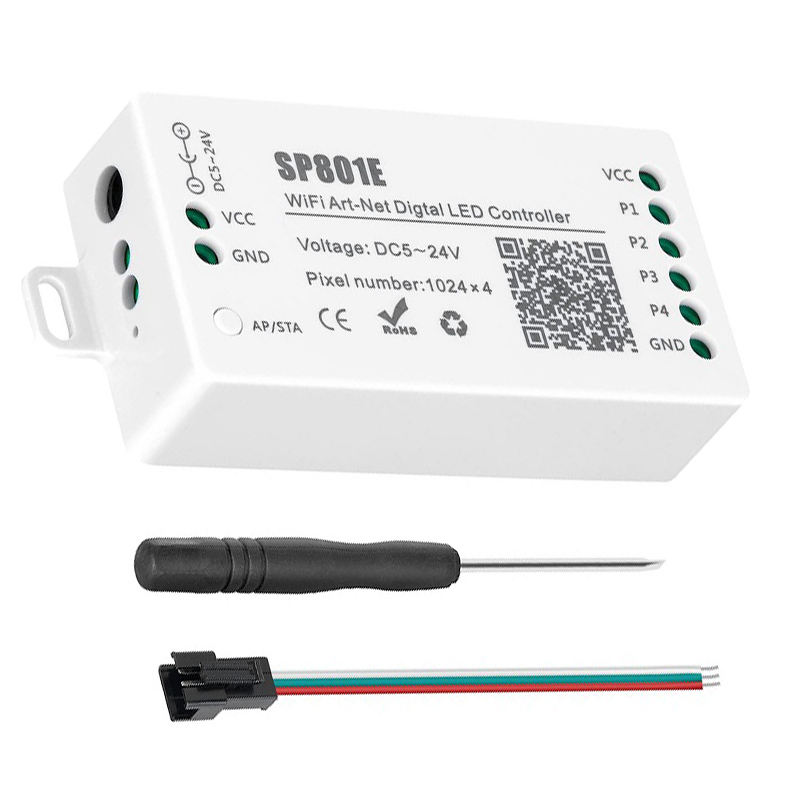
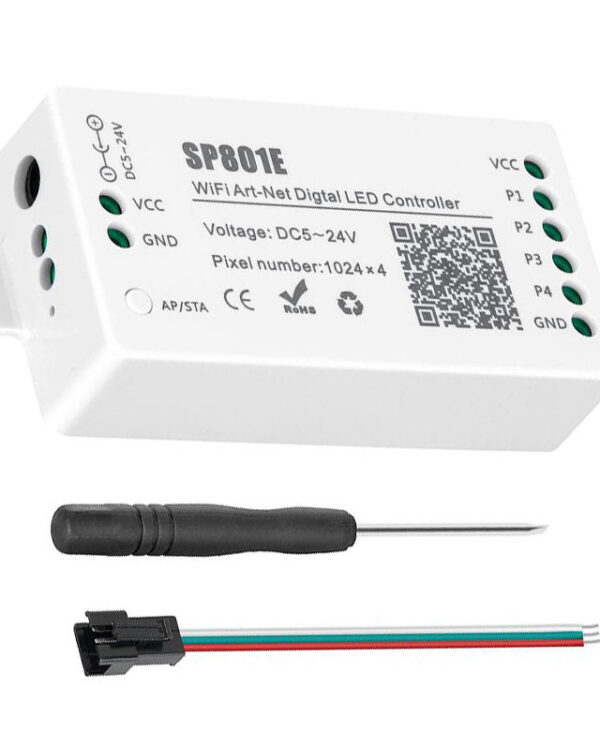
SP801E DC 5V~24V Art-Net LED WiFi Controller for Digital LED Strips
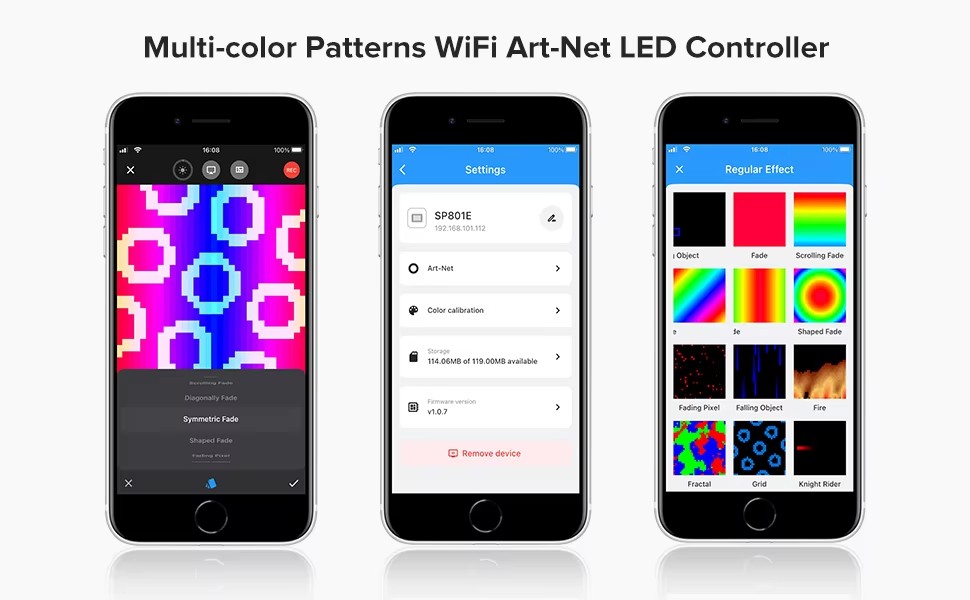
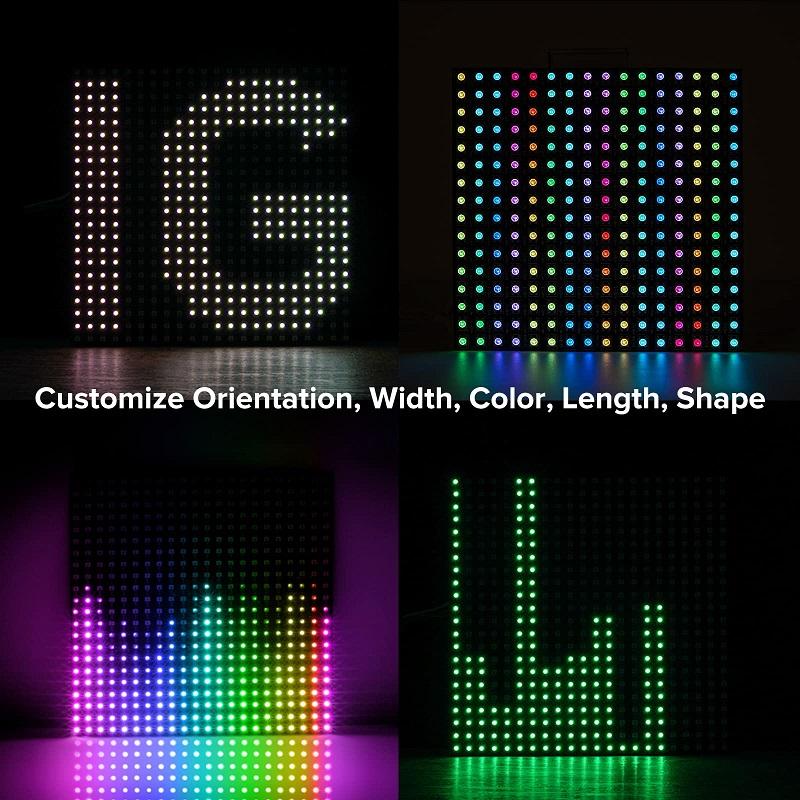
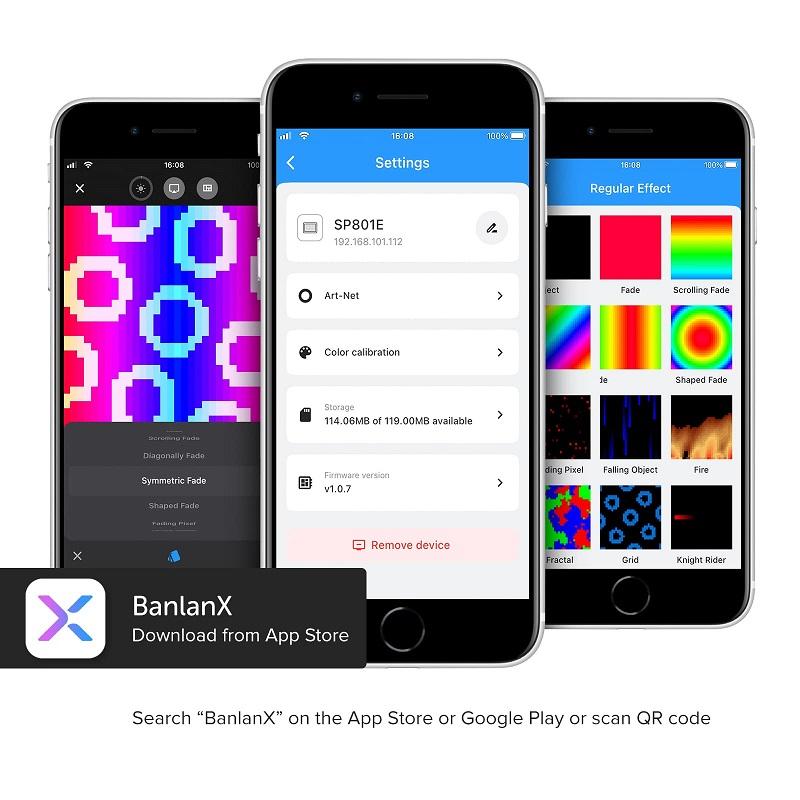
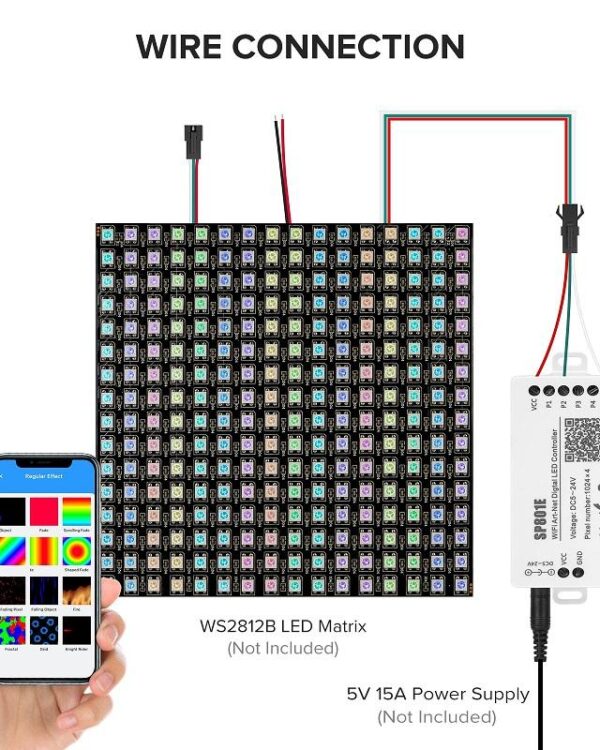
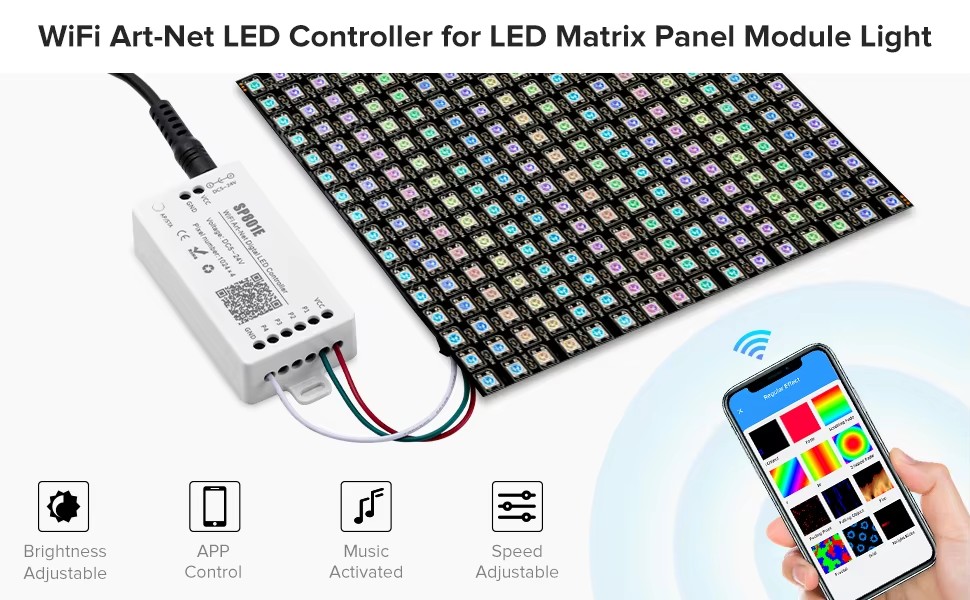
APP controlled via WiFi, compatible with multiple Art-Net computer software.Support AP mode and STA mode.Support two layers overlay, built-in multiple types of effect layers: text layer, music effect layer.
I. Product Specification:
Working temperature : | -20℃~60℃; | |||
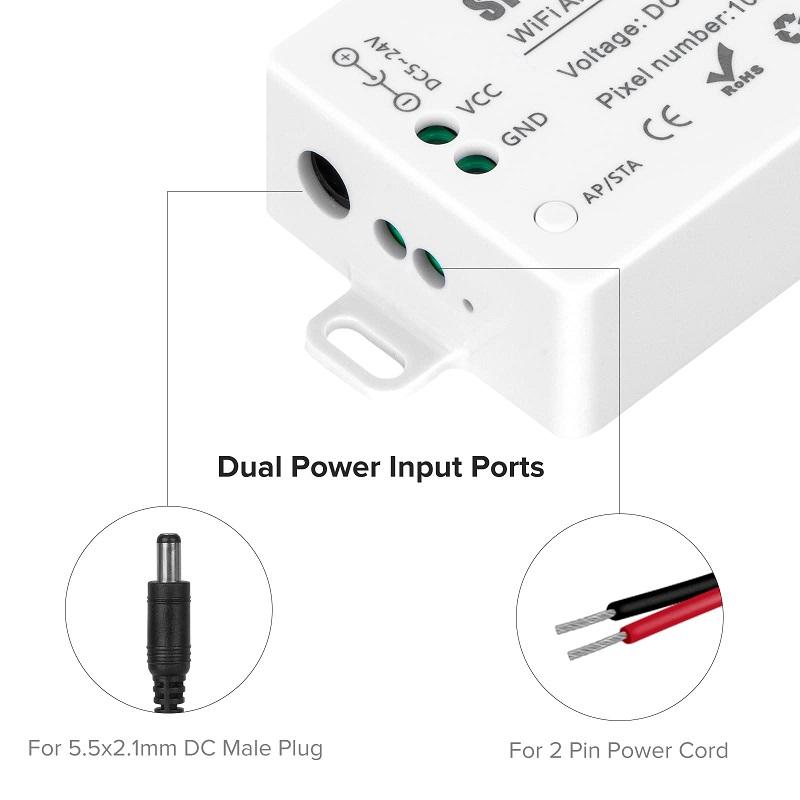
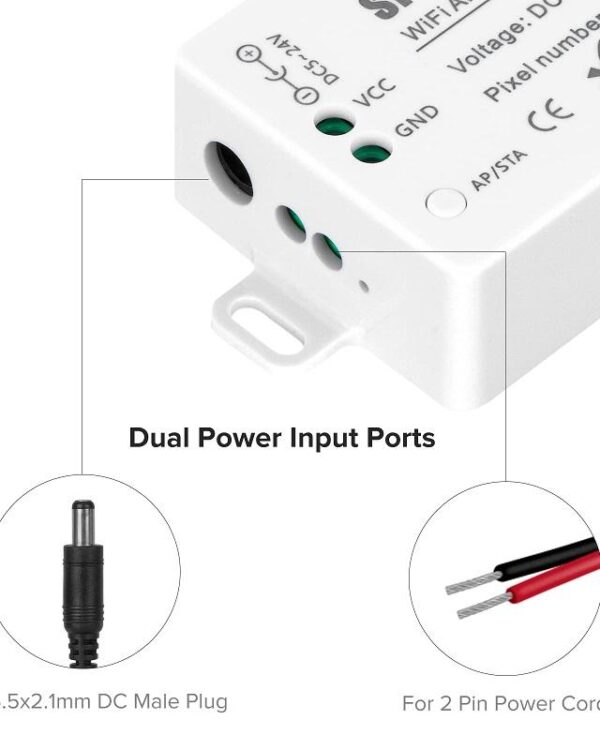
Working Voltage : | DC5V~24V; | |||
Working Current : | 25mA~130mA; | |||
Flash Capacity : | 128M; | |||
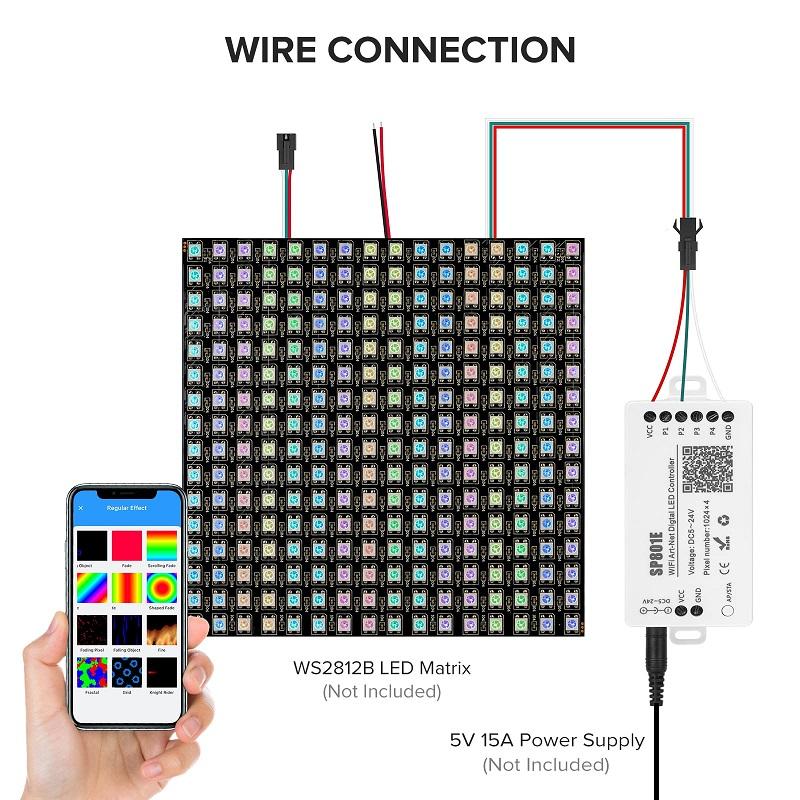
Output signal: | 4-port TTL signals; | |||
Maximum pixel number : | 1024 / port; | |||
Dimension: | 80mm*41mm*20mm; | |||
LED driver IC: | Normal one-wire RZ code LED driver IC . | |||
II. Working Modes:
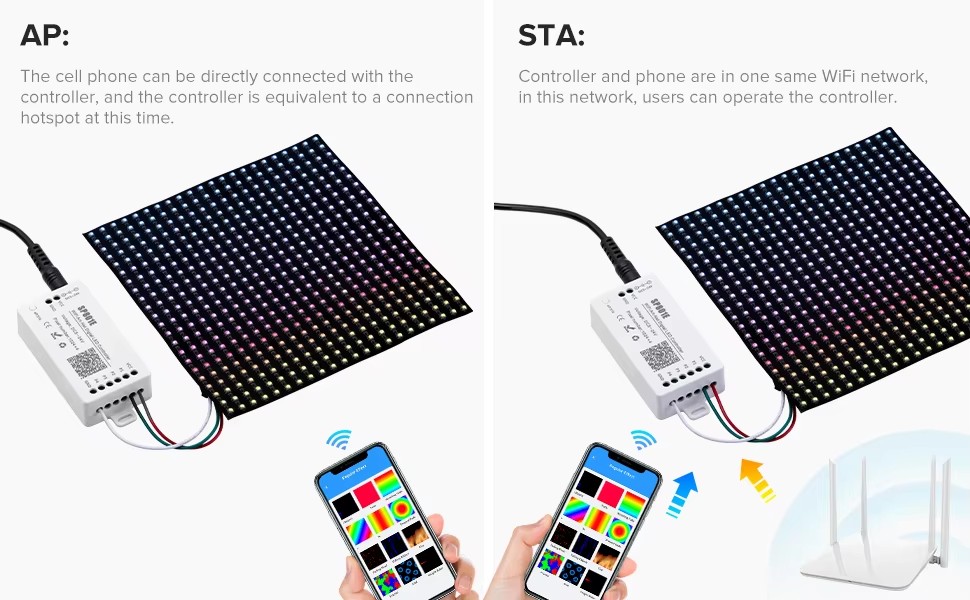
1> Go to your phone Settings page, connect the controller(SSID like SP801E_XXX, the default password is 12345678);
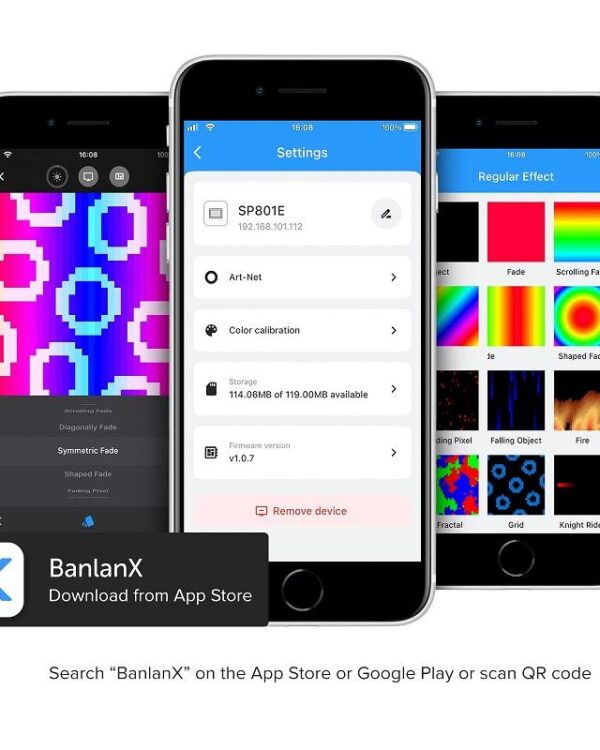
2> Open the BanlanX App, Click “+” button to configure the new SP801E controller,then the controller will be showed on the device list;
* 2.STA(Station) mode:
There are two ways to configure the controller into the local WiFi network:
1> Connect your phone or tablet to a 2.4G Wi-Fi network.(Doesn’t support 5.0G Wi-Fi network)
2> Open the App and click ”+” button to scan devices, click Add manually and select SP801E controller in the device category;
3> Input your Wi-Fi network password;
4> BluFi config and AP config:
•BluFi config: Press and hold device’s “STA/A” button until the green led indicator flashes,then the device enters the network configuration state, click next and selcet the device you want to add;
•AP config: Switching the device to the AP mode, click next and connect your phone’s WIFI to the named like SP801E_XXX hotspot,password is 12345678,and return to the APP;
5> Pressing next step to wait for the configure processing finish;
6>After the configuration finished, the LED indicator will turn into solid green, the controller will be showed on the device
list.
III. WiFi APP Control: